Users and Groups
Creating a new group name: webdevs sudo addgroup webdevs
Confirmation sudo cat /etc/group
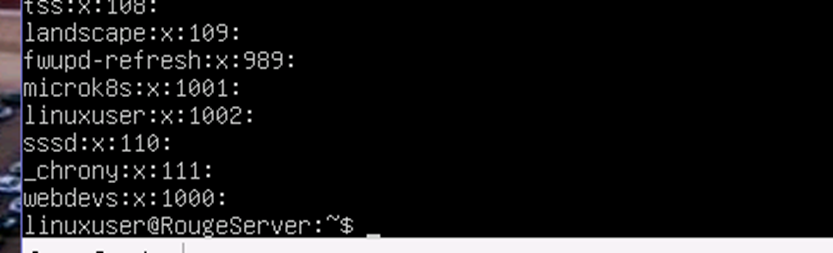
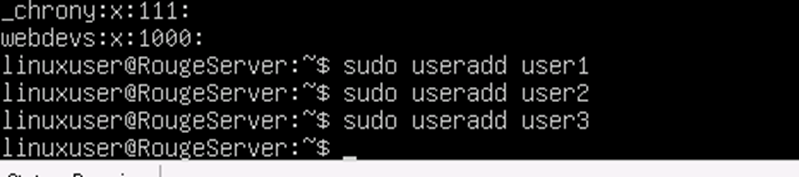
Creating user accounts # sudo useradd user1 2 and 3
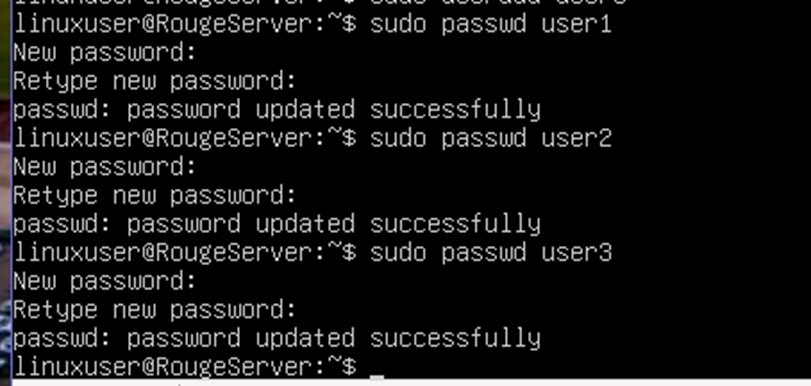
Setting user password sudo passwd user1 2 and 3
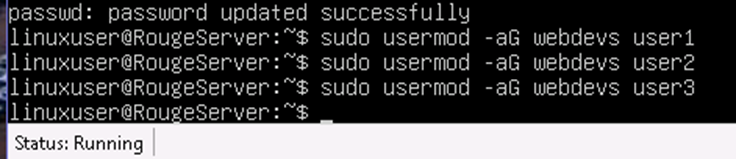
Adding users to the webdevs group sudo usermod -aG webdevs user1 2 and 3
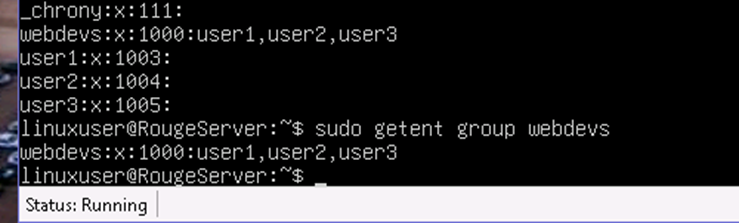
Verification sudo cat /etc/group or sudo getent group webdevs
Directory and File Permissions
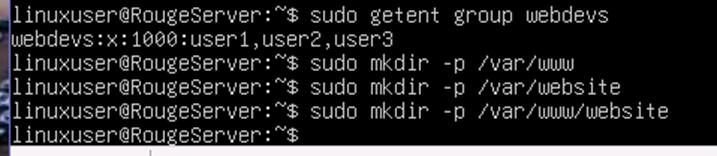
Creating two directories to host the website (/var/www and /var/www/website)
# sudo mkdir -p /var/www
# sudo mkdir -p /var/www/website
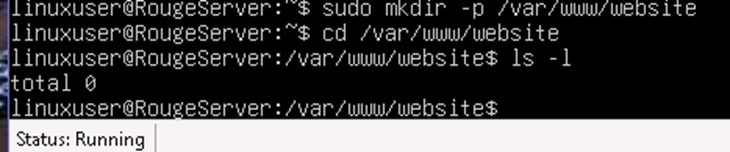
Navigating to the website directory cd /var/www/website and listing files ls -l
Changing the ownership of the website directory
sudo chown root:webdevs /var/www
Changing into the website directory: sudo cd website
Adding files: sudo touch index.html styles.css script.js
List of contents in the directory # ls -l

Setting the ownership of the directory to see the files # sudo chown root:webdevs *
Setting the permissions on the files using chmod # sudo chmod 644 *
Files in the directory and file permissions # ls -l
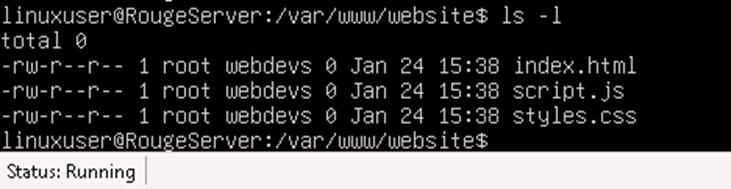
The output in the image displays three files: index.html, script.js, and styles.css. Each file has the
same permissions: -rw-r–r–. This means the owner (root) has read and write access, while the
group (webdevs) and all other users only have read access. The size of all files is currently 0
bytes, and they were last modified on January 24 at 15:38.